
Python for AI Engineers
Data structures, functional patterns, NumPy, and Pandas - the Python you'll actually use in ML pipelines.
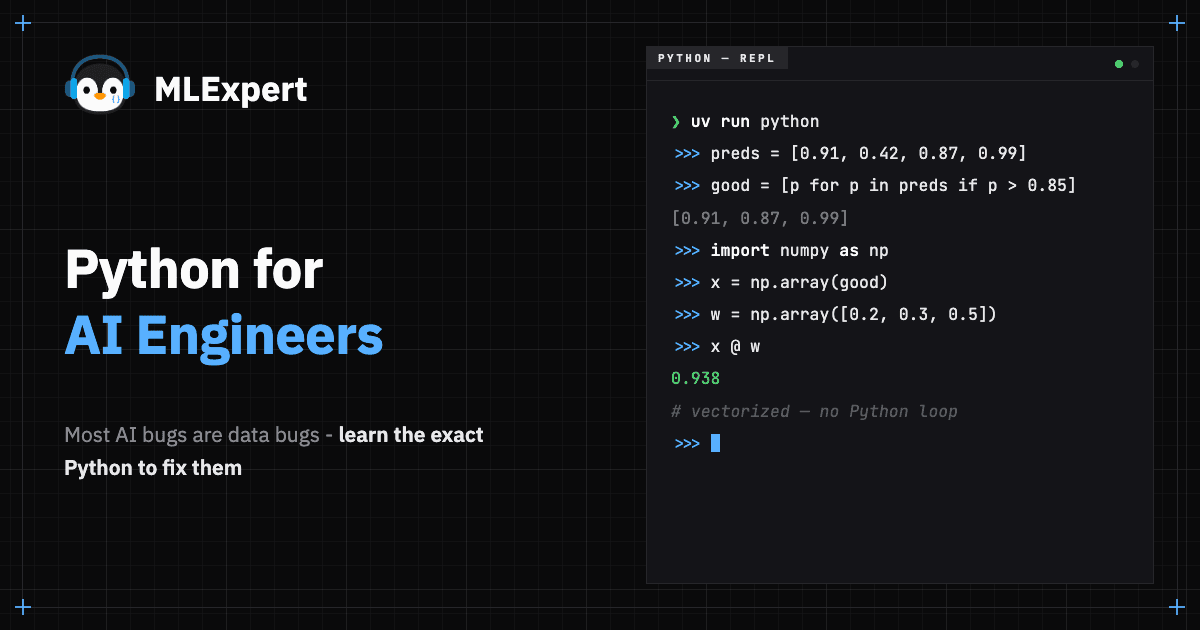
Python is the daily driver for AI engineers. Behind every model and deployment is Python code handling data, configuration, and orchestration. This tutorial covers the subset of Python that actually matters for AI work.
Tutorial Goals
- Understand fundamental Python data structures for AI
- Use functional programming and comprehensions for data manipulation
- Structure and validate data effectively
- Parse and handle common data formats like JSON
- Perform efficient numerical operations with NumPy
- Manipulate and analyze tabular data using Pandas
Why Python?
While the heavy computation happens in C++ or CUDA, Python is where you'll spend 90% of your time as an AI engineer. Most AI bugs come from poor data handling, not algorithmic issues. Solid Python fundamentals mean faster debugging and more reliable systems.
Data Structures
Four core data structures cover ~90% of what you'll need in AI code.
Lists: Your Go-To for Sequences
You'll use lists everywhere-storing feature vectors, batch data, token sequences, or any ordered collection that needs to change.
Create with [], grow with append(), access by index, slice with start:stop:step, iterate with for.
Building feature vectors with a bias term:
Exercise: Create a list containing the numbers 1 through 5. Then, append the number 6 and print the element at index 2.
Dictionaries: Configuration and Mapping
Dictionaries map names to values: model configs, hyperparameters, word embeddings. Use {} to create, dict[key] to access (or dict.get(key) for safety), and dict.items() to iterate pairs.
Every training run needs hyperparameters:
Exercise: Create a dictionary representing a simple model's performance with keys 'accuracy' and 'loss' and corresponding float values. Print the 'loss'.
Sets: Uniqueness and Fast Lookups
Sets do two things well: remove duplicates and test membership in constant time with in — much faster than lists for lookups. Common for building vocabularies and tracking unique IDs.
Building a vocabulary from text (a standard NLP preprocessing step):
Exercise: Create two sets, set1 = {1, 2, 3} and set2 = {3, 4, 5}. Find and print their intersection.
Tuples: When Things Shouldn't Change
Tuples are immutable sequences: coordinates, RGB values, return-multiple-values patterns. The immutability prevents accidental modifications and makes them usable as dictionary keys. In AI, some data represents fixed concepts (image dimensions, coordinate pairs). Tuples enforce that.
Image dimensions are a classic tuple use case:
Exercise: Create a tuple representing a point in 3D space (x, y, z). Unpack the tuple into three separate variables x_coord, y_coord, z_coord and print them.
Functional Programming
Functional patterns show up constantly in preprocessing and feature engineering. Worth internalizing.
List Comprehensions: The Python Way
List comprehensions are faster than loops and more readable once you get used to them.
The pattern: [expression for item in iterable if condition]
Filtering model predictions above a confidence threshold:
Exercise: Given numbers = [1, 2, 3, 4, 5, 6], use a list comprehension to create a new list containing the squares of the even numbers only.
Lambda Functions
Lambdas are one-off functions for small operations, especially useful with sorted(), map(), and filter().
Sorting model results by score:
Exercise: Create a lambda function that takes one argument x and returns x + 10. Call it with the value 5 and print the result.
map() & filter(): Functional Tools
List comprehensions are often cleaner, but map and filter have their place, especially when composing existing functions. Note: they return iterators, so wrap with list() if you need the results immediately.
Converting and filtering data in one pipeline:
Note that float_values is consumed by filter.
If you need to reuse the values later, convert the iterator to a list first: float_values_list = list(map(float, raw_values))
Exercise: Use map and a lambda function to convert a list of temperatures in Celsius [0, 10, 20, 30] to Fahrenheit using the formula . Convert the result to a list and print it.
Data Classes
Data classes1 give you structured data without the boilerplate: automatic __init__, __repr__, and __eq__ methods, plus type hint integration. Use them for configs, experiment results, or any data with a consistent shape.
Every ML experiment needs configuration:
Exercise: Create a DataPoint data class with attributes features (a list of floats) and label (an integer). Instantiate it with sample data.
Type Hinting
Type hints prevent bugs, improve autocomplete, and make code self-documenting. Essential for larger AI projects. Start with function parameters and return types — you don't need perfect coverage everywhere, but the critical paths should be typed.
Type hints in data processing functions:
Exercise: Add type hints to the DataPoint data class you created in the previous exercise. Also, create a simple function add_numbers(a: int, b: int) -> int that adds two integers and returns the result, including type hints.
JSON Handling
JSON is the lingua franca of AI systems: API responses, model configs, experiment logs. The core API: json.loads() for strings to Python, json.dumps() for Python to strings. Add indent=2 for readability.
Loading model settings and saving results:
Exercise: Create a Python dictionary with at least two key-value pairs. Convert this dictionary into a JSON string with an indentation of 2 spaces and print it.
File Handling with pathlib
pathlib replaced os.path as the clean, cross-platform way to handle file paths. The / operator for joining paths — Path('data') / 'models' / 'best.pth' — is reason enough to switch.
Organizing model outputs:
Exercise: Create a directory named output. Inside output, create a file named summary.txt and write the text "Analysis complete." into it using pathlib.
NumPy & Pandas
NumPy and Pandas sit under most AI libraries.
NumPy: Fast Numerical Operations
NumPy2 gives you efficient arrays and vectorized operations, much faster than Python loops for numerical work.
Basic operations you'll use daily:
Exercise: Create two 1D NumPy arrays and compute their dot product.
Pandas: Tabular Data
Pandas3 handles tabular data — loading CSVs, cleaning data, exploring datasets. The essential workflow: load with pd.read_csv(), explore with .head() and .info(), select with .loc[], clean as needed.
Working with typical ML data:
Exercise: Using the DataFrame created in the example above, calculate the average outcome_score for participants in treatment_group 'B'.
Next Steps
You now have the Python toolkit that powers every AI system worth shipping. Data structures for wrangling features, functional patterns for clean pipelines, type hints for code that doesn't break at 2 AM, and NumPy/Pandas for the heavy numerical lifting.
Up next: the mathematical foundations that make AI tick. You'll see how vectors become feature representations, how gradients drive learning, and how probability quantifies uncertainty. The data structures you just mastered become the building blocks for implementing actual algorithms.
You can manipulate Python data structures, write functional transformations, handle JSON and files with pathlib, and perform vectorized operations with NumPy and Pandas. You're ready for the math.